Web Interface
The RTU-X includes an embedded web server, intended for limited administration of the device from any browser (Chrome, Firefox, Microsoft Edge, etc.), with no software installation required: setting up the WiFi network, Bluetooth pairing, and viewing the log.
The rest of the device configuration (Modem, MQTT, I/O, NTP, LoRa, Script, Serial and Modbus, SMS, calendar events, maintenance, and changing the password) is only available from the Windows/Linux user interface.
For connection steps (built-in access point, IP 192.168.4.1, default password), see First Steps.
Login
When connecting to the device's IP, a login screen is shown with two options:
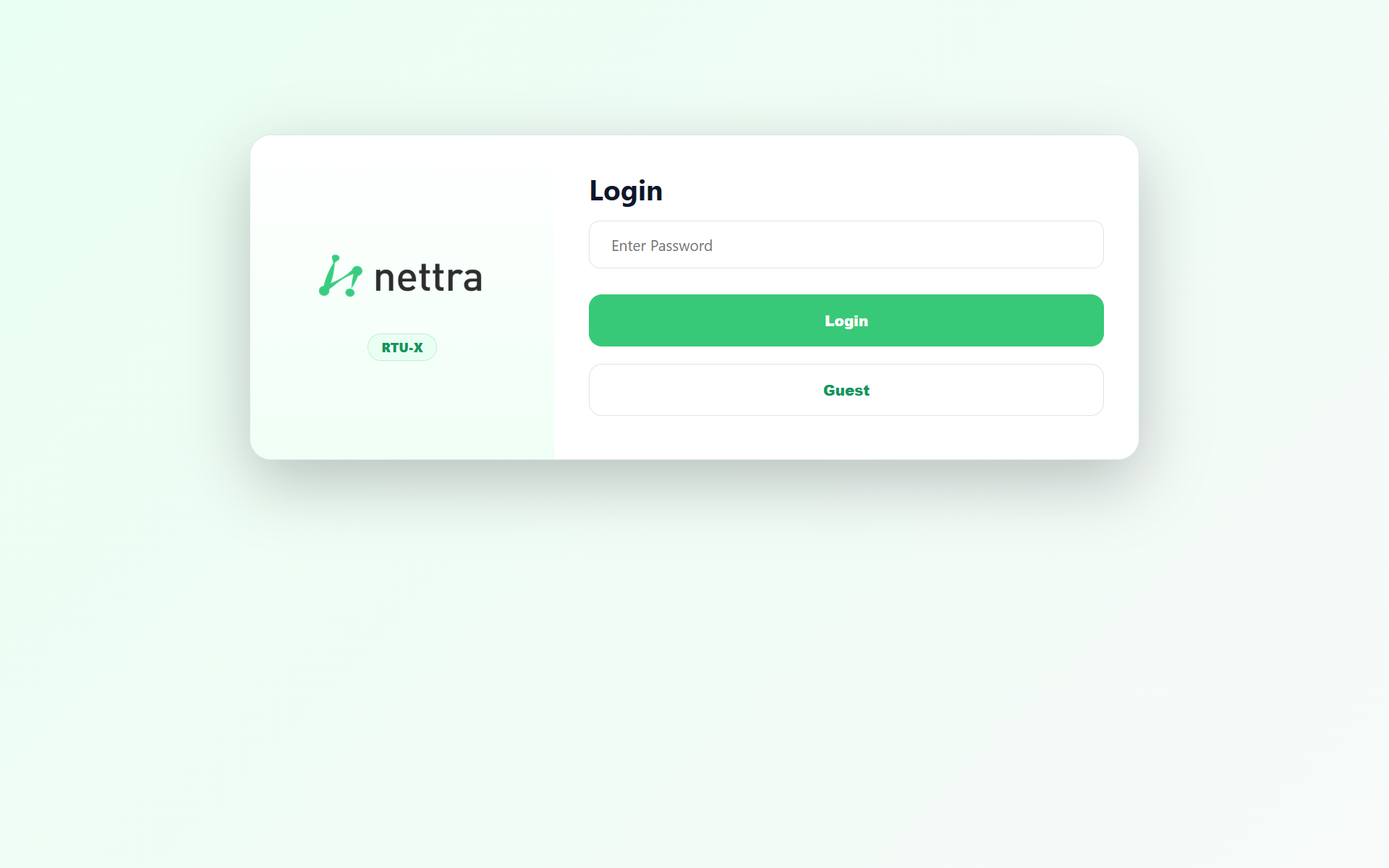
- Login — entering the device password grants access to the Wi-Fi and Bluetooth tabs (edit and save) and to Log (view, search and download).
- Guest — no password required, grants access only to the Log tab, in read-only mode.
The device password can only be changed from the desktop user interface.
The device keeps only one active session at a time. If you log in from another browser or device, if the device restarts, or if Exit is pressed in another tab, the current session is invalidated and closed automatically.
After several failed login attempts, the device applies an increasing delay between retries as protection against brute-force attacks.
LAN
Equivalent to the LAN section of Communications, but here it also includes the current connection's data when the RTU-X is connected to a local network.
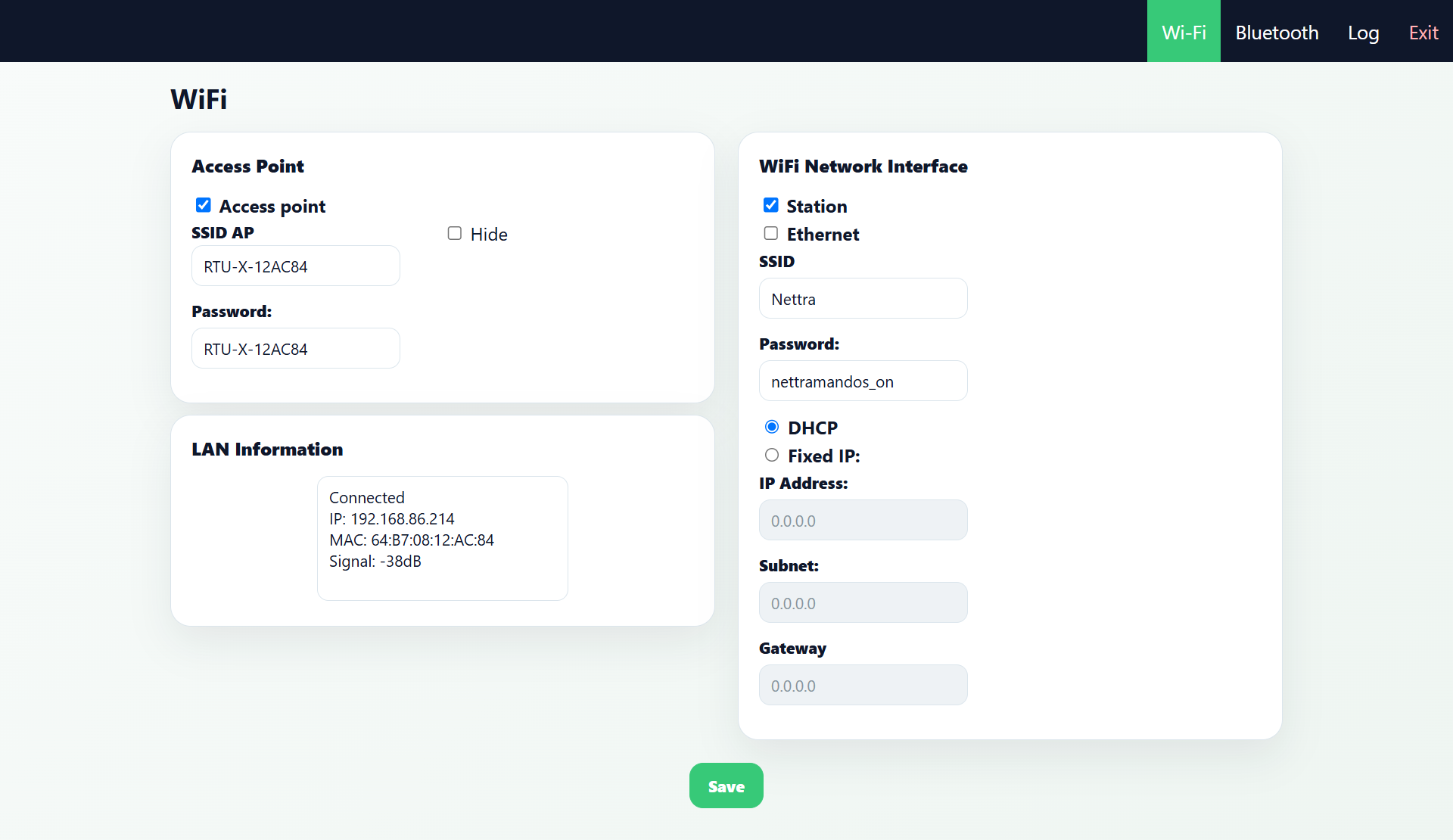
- Access Point — enable, AP SSID, password, and hide SSID.
- LAN Information — connection status, IP, MAC and signal.
- WiFi Network Interface — Station WiFi or Ethernet, SSID, password, DHCP or fixed IP (address, subnet, gateway).
Bluetooth
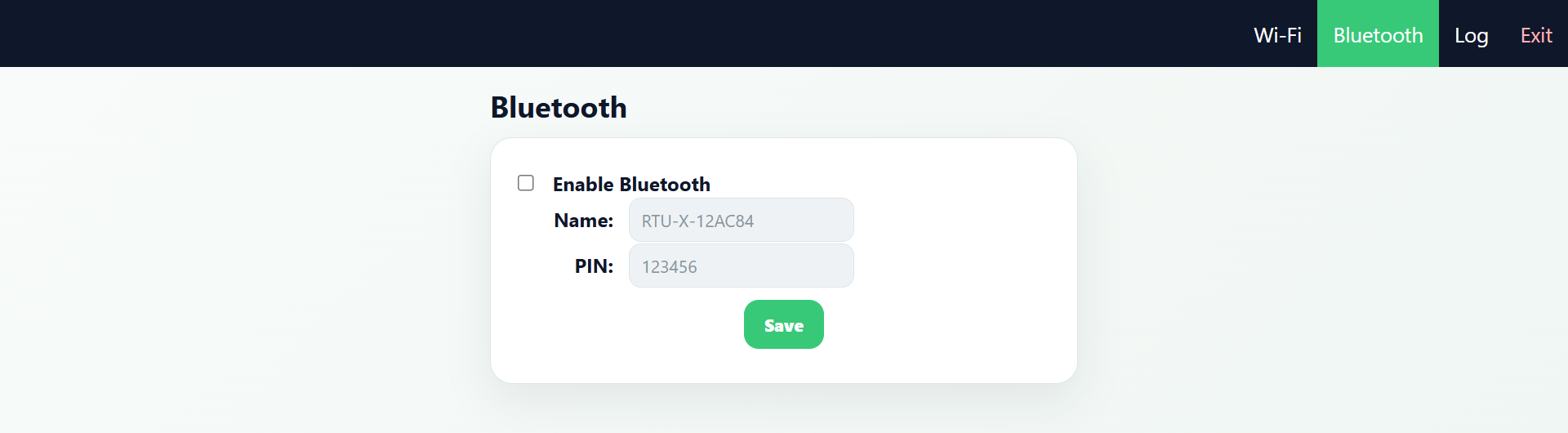
Enable/disable, pairing name and PIN.
Log
Equivalent to viewing the historical data Log.
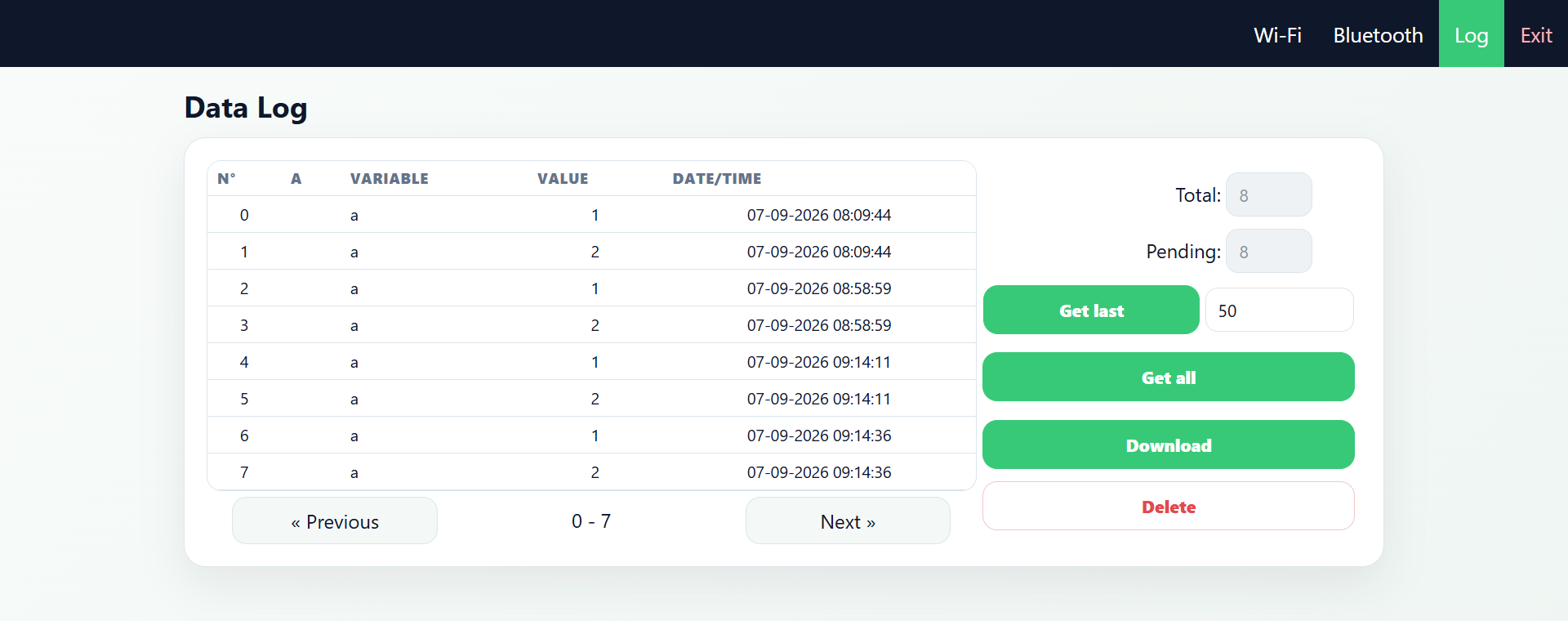
Paginated table (No., alarm type, variable, value, date/time), previous/next navigation, total and pending record counts, search for the last N records or all of them, and download.